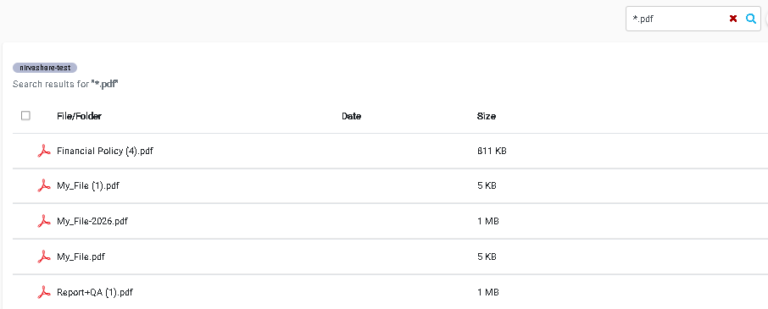
NirvaShare leverages an indexing service to provide fast and efficient file search across large volumes of files. Designed to handle millions of files and several terabytes of storage, the system uses indexed metadata to deliver quick retrieval, advanced filtering, and accurate search results without directly scanning the underlying storage.
This feature enables users to locate files instantly, ensuring a seamless and high-performance search experience even in large-scale environments.
Prerequisites
Before using the index data, ensure that the indexing service is enabled and the storage is manually indexed at least once. Please refer to the following documentation:
Once the index service is enabled and files are indexed, users from Admin Console and User app can search files based on name or pattern.
The Search supports wild card patterns and is case insensitive. Below are few examples
woo : Searches files whose name partly match to woo.
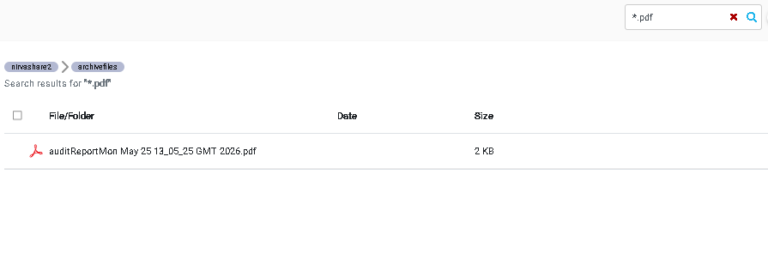
*.pdf: Searches files whose extension ends with pdf.
n*.pdf: Searches files that have an extension of pdf whose filename starts with “n”.
To search files in a specific folder, please navigate to sub folders and perform the search. The resultant files will be limited to the current folder and its sub folders.