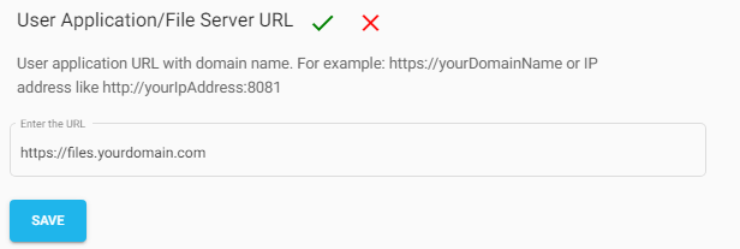
The User Application / File Server URL specifies the base URL used by end users to access shared files and folders. It also serves as the base URL for all Shareable Links generated by NirvaShare.
To configure the User Application / File Server URL:
Log in to the NirvaShare Admin Console.
Navigate to Settings, click On UserAccess.
Click Edit next to User Application / File Server URL.
Enter the required URL and click Save.
Configuration Guidelines
For testing environments, enter the IP address of the User Application (for example, http://10.141.41.9:8081) or leave the field blank. For production environments, use a valid HTTPS domain name with an SSL certificate.
Note: The configured URL is used as the base URL for all Shareable Links generated by NirvaShare.