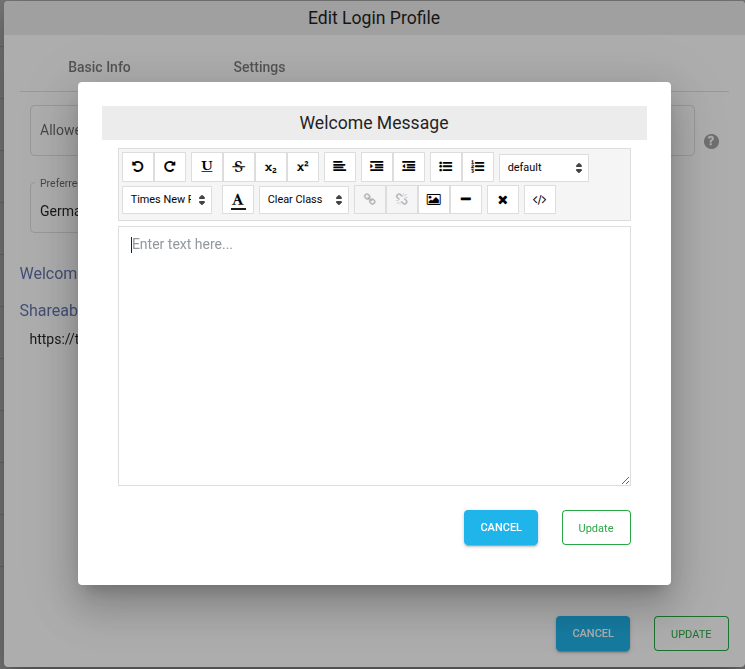
While sharing a file/folder with users, a welcome message can be shown to the users. This is useful in showing contents such as disclaimer, notes, etc. as soon user access share link.
Login Profile
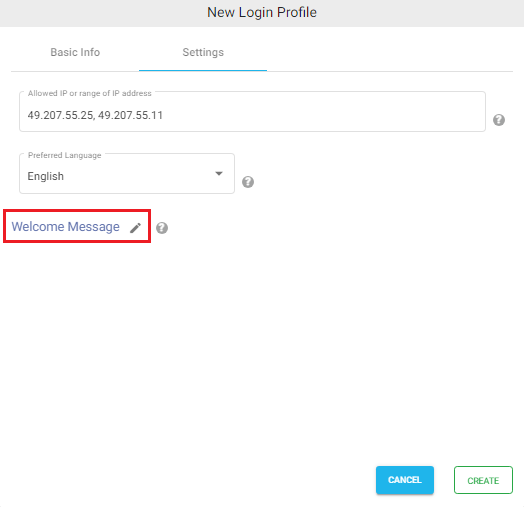
Welcome message can be set in the Login Profile created in NirvaShare.
While creating or editing existing Login Profile, click on the Settings tab.