NirvaShare provides a streamlined mechanism to restore archived files stored in AWS S3 Glacier and S3 Glacier Deep Archive. When a restore request is initiated, the file is temporarily restored from archival storage and made available for download or preview based on the selected retrieval tier and retention period.
This section explains how to restore and manage archived files stored in AWS S3.
Restore Files/Folders
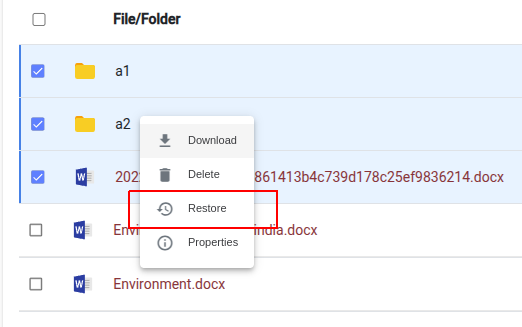
To restore files, select one or more files/folders from the Storage menu and choose Restore from the action menu. Please note that only archived files can be restored, and file names are indicated in red.
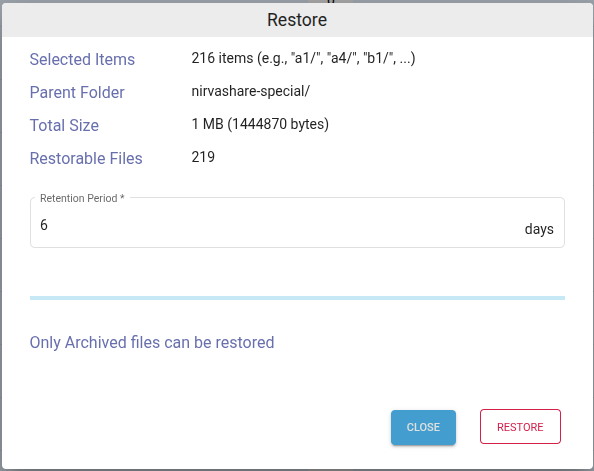
In the restore dialog, provide the retention period in days.
Click on RESTORE.
This will start initiating restore action for the selected archive files.
Restore Status
Once the restore request is initiated, you can monitor its progress from the Restore Status page. For more information about viewing, searching, updating, and removing restore records, refer to the Managing Restore Status documentation.