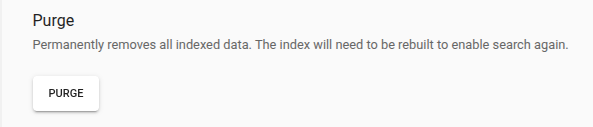
NirvaShare maintains an index of file metadata to enable fast search, filtering and efficient retrieval across large volumes of data. The Purge Index Data feature allows administrators to safely remove all index records without affecting the actual files. This is particularly useful when storage is modified externally, such as during cleanup or migration, helping to eliminate outdated or inconsistent index data.
Purge
Follow the steps below to purge index data.
Log in to the Admin Console as a Super Administrator.
Click Settings in the left menu.
Navigate to the Search Service submenu.
Click the Purge button to delete all indexed data.
Note: After this operation, storage must be manually re-indexed to restore search and filtering functionality in NirvaShare.